


AI tools that help people without taking the wheel.
We build AI assistants, smart search, document helpers, and admin helpers for repeated tasks. The useful parts move faster, while data boundaries, review, and human judgment stay clear.
AI works best when the job is clear.
The question is not "Can we add AI?" It is "Which repeated task would become faster, clearer, or easier if AI helped prepare the work?"
For a small repetitive task
Start with one thing people already do every day: summarize, sort, draft, search, compare, or prepare.
For customer or staff support
Help people find answers faster while keeping sensitive cases, uncertain answers, and final decisions with humans.
For teams with private knowledge
Let AI reference your documents, policies, product info, or support history without turning every file into a free-for-all.
Make one repeated task easier to finish.
Good AI projects usually begin with a narrow workflow, clear source material, and a person who still owns the final decision.
Document helper
Summarize requests, draft answers, compare files, extract details, or prepare documents for a person to review.
Internal search assistant
Ask questions across policies, manuals, product notes, help articles, or project files with references to the source.
Support reply assistant
Prepare helpful draft replies from customer messages, order details, service notes, or knowledge-base content.
Lead and request routing
Read incoming messages, classify what they need, suggest next steps, and route work to the right person or system.
Back-office automation
Help with repetitive admin such as tagging, checking, extracting, formatting, reporting, and preparing follow-ups.
Tool-connected assistant
Let an assistant use approved systems, forms, calendars, databases, or files with clear limits and review points.
AI should make the work clearer, not more mysterious.
Humans stay in control
AI can draft, suggest, search, and prepare. For sensitive steps, we design approval points before anything important happens.
Your data needs boundaries
We plan what the AI can see, what it cannot see, and how permissions should follow the people using the system.
Mistakes need a plan
AI should be useful without pretending to be perfect. We design review, logging, fallback, and correction paths.
Four practical ways AI can help.
These are patterns we can adapt to a small workflow or a larger system: tool access, in-screen help, routine preparation, and interactive next steps.
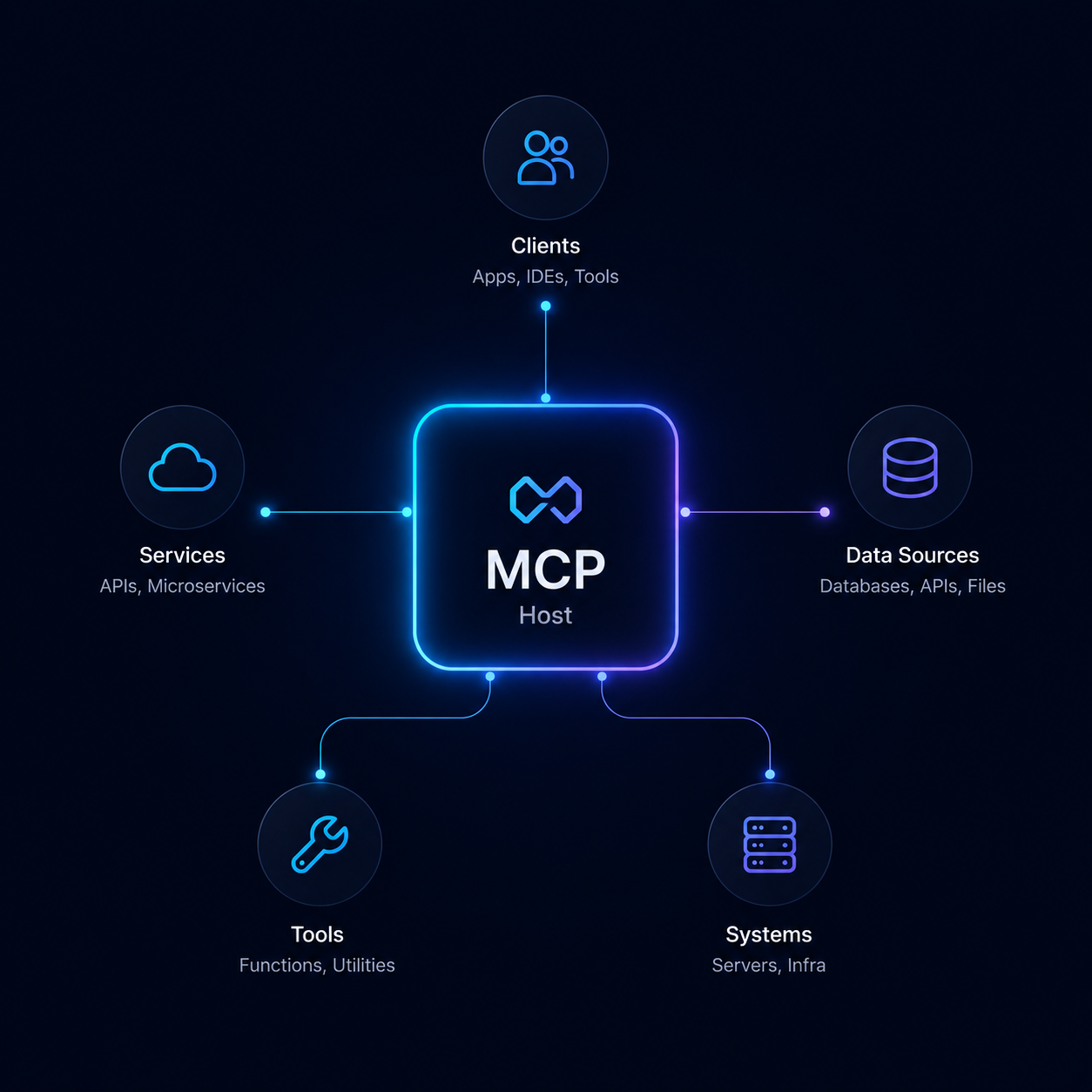
Let AI use approved tools
Useful only where access is allowed.We connect assistants to the systems they need, such as databases, calendars, support tools, and private files, while keeping permissions and review points clear.
AI scope depends on the task, the data, and the risk.
We define what the AI is allowed to do, what it can access, when a person reviews it, and how mistakes are detected and corrected.
Before you automate.
Do I need AI if the task is small?
Maybe. Small repetitive tasks are often the best place to start because the value is easier to see and the risk is easier to control.
Will AI replace people in the workflow?
The better starting point is usually assistance, not replacement. AI can prepare, summarize, route, and suggest while people keep judgment and approval.
Can AI use our private documents safely?
It can, but only with careful boundaries. We plan what content is available, who can ask what, whether sources are shown, and what should stay excluded.
What if the AI gives a wrong answer?
That has to be expected. Good AI workflows include source references, review steps, fallback behavior, logs, and a clear way to correct bad outputs.
Have one AI task you want to explore?
Bring the repeated task, the documents, or the support problem. We can help decide whether AI is useful, safe, and worth building.