


Mobile apps people can use without a manual.
We build apps for customers, staff, field teams, and new product ideas. The app stays simple on the screen, while the important parts like sync, security, and updates are planned behind it.
The right app depends on who opens it.
A founder testing an idea, a customer booking a service, and a staff member working in the field all need different levels of detail.
For a new app idea
Start with the smallest version that can prove the idea, show the flow, and help you learn from real users.
For customers
Give people a faster way to book, buy, track, message, upload, check in, or manage their account.
For staff and field work
Replace paper, calls, and fragile spreadsheets with an app that works where the job actually happens.
Build the app around a job people already need done.
Useful apps usually start with a clear moment: book this, track this, approve this, capture this, pay this, or finish this task faster.
Booking and appointment apps
Let customers book, reschedule, receive reminders, and see the details they need before showing up.
Customer account apps
Give customers a place for orders, documents, subscriptions, messages, loyalty, or service history.
Field service apps
Help staff capture photos, notes, signatures, checklists, locations, and job updates from the road.
Delivery or inventory apps
Track stock, packages, pickups, routes, handovers, and simple confirmations without extra paperwork.
Payment or checkout flows
Create a mobile-friendly path for deposits, orders, invoices, ticketing, or in-person payments.
Internal operations apps
Make recurring work faster for teams that need quick access to tasks, data, approvals, or status updates.
A mobile product has to survive real life.
A flow people understand quickly
Mobile screens need to be obvious. We plan the main tasks first, then design the smallest path to complete them.
Reliable behavior outside the office
Real mobile use includes weak signal, interruptions, mistakes, low battery, and people moving quickly.
Launch and care after release
The app needs testing, store preparation, updates, and a plan for what happens after people start using it.
Simple enough to use while moving.
A mobile app has to earn its place on someone's phone. We focus on clear screens, fast actions, useful notifications, and behavior that does not fall apart when the network is imperfect.
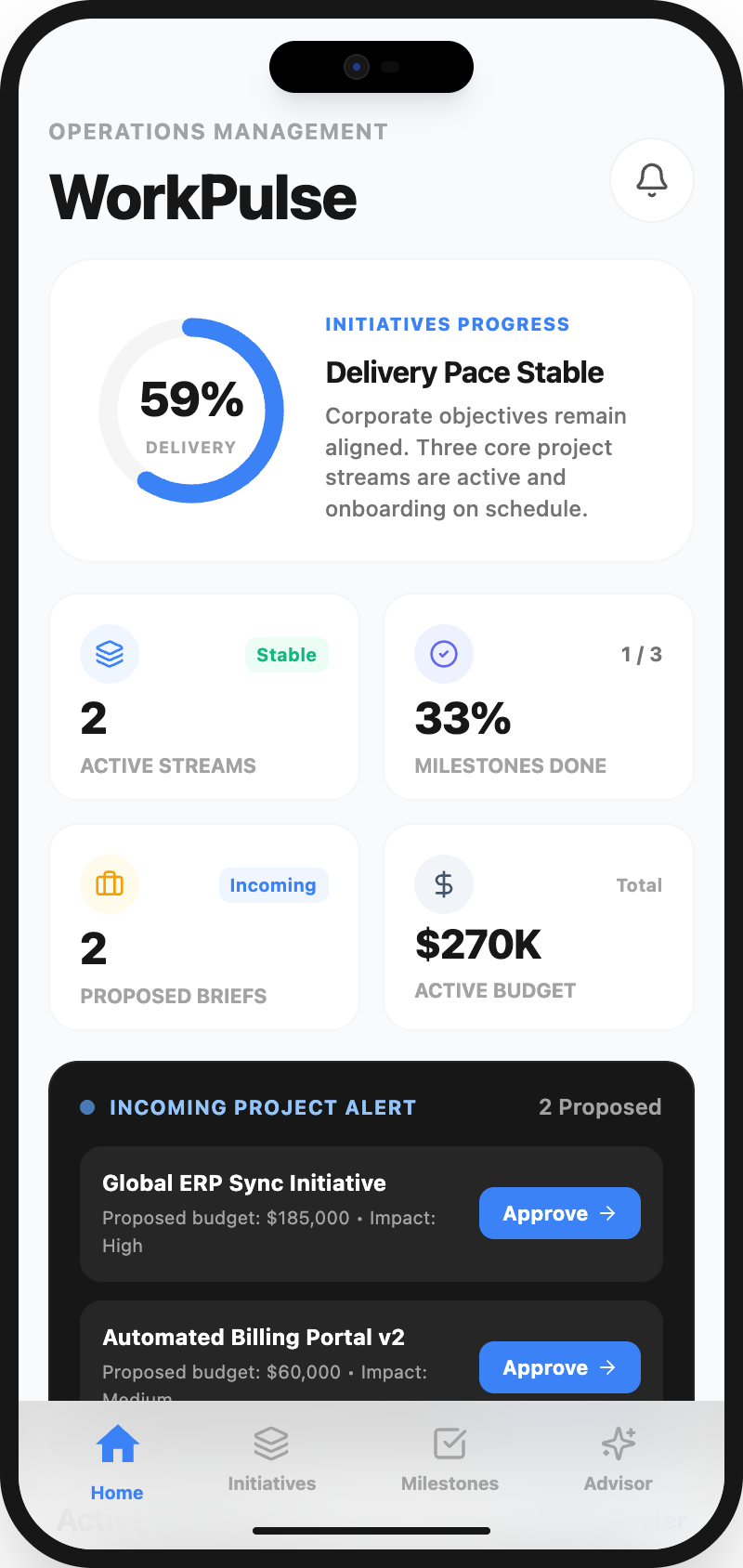
App cost follows the number of decisions the app must handle.
We separate the first useful version from the future wish list, then decide what needs to be native, what can be shared, and what must be reliable from day one.
Before you build.
Do I need both iOS and Android immediately?
Not always. We help decide based on your audience, budget, timeline, and whether a first version can start with one platform or a shared app foundation.
Can you build an MVP before the full app?
Yes. For new ideas, a focused first version is often smarter than building every feature at once. It helps test the flow and reduce wasted work.
What happens when the internet connection is bad?
If poor signal matters for your users, we design around it: saved drafts, clear sync states, retry behavior, and careful handling of local data.
Will you help after the app is launched?
Yes. Mobile apps need updates for devices, operating systems, bugs, and user feedback. We can plan support and improvements around the app size.
Have an app idea or mobile workflow to fix?
Bring the rough version. We can help decide whether it should be an MVP, a customer app, a field tool, or a lighter web-based experience.